Building an AI agent for generating social media posts
- Swoop was a new product, looking for product-market fit. The business goal was to increase the potential user base to small teams who need to distribute a product with no marketing resources. The aim was to develop a way to quickly generate visuals for social media posts, dogfooding the feature for Swoop’s own distribution.
- Team
-
- 1 product designer (me)
- 3 engineers
- My role
-
- UX/UI
- Research
- Improvements in code
- Breakdown of tasks for the team
- QA
- Impact
- I’d love to share usage metrics and business impact, but the product was discontinued right after this shipped.
Problem
Context
Swoop is an AI-native product, born as a Prezi spin-off in early 2026. The whole team was around 20 people and everybody was shipping code, regardless of role. A few months in, the product's ambition expanded from presentations to other visual formats, and social media posts were identified as the first one.
As a small startup within Prezi, Swoop needed to distribute itself, and it didn’t have dedicated marketers on the team. Posting consistently on social media was part of that effort, so we needed to automate it and spread the work across the team rather than leaving it on one person. In a small squad with 3 engineers, we took on the initiative.
Exploration
I started by putting myself in the shoes of someone creating social posts from scratch, mapping out everything I didn’t know. That included specifics like image size requirements across platforms, best performing visual formats (image, gif, video), carousel conventions (number of pages, text sizes, padding to leave room for navigation arrows), and image best practices for socials.
After a quick competitors research, I did some exploration in Figma, with a few prototypes focused on dashboard and editor.
Dashboard
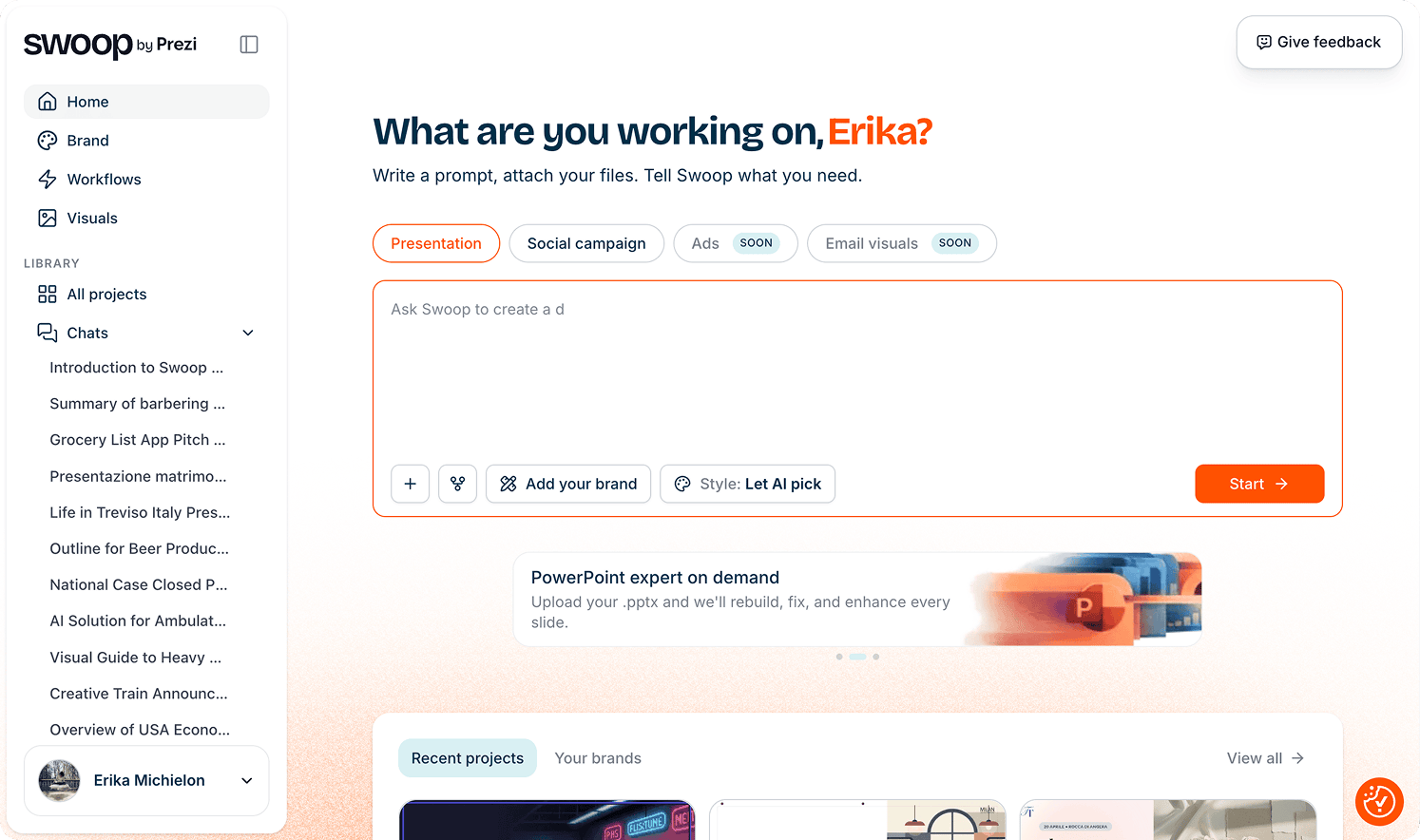
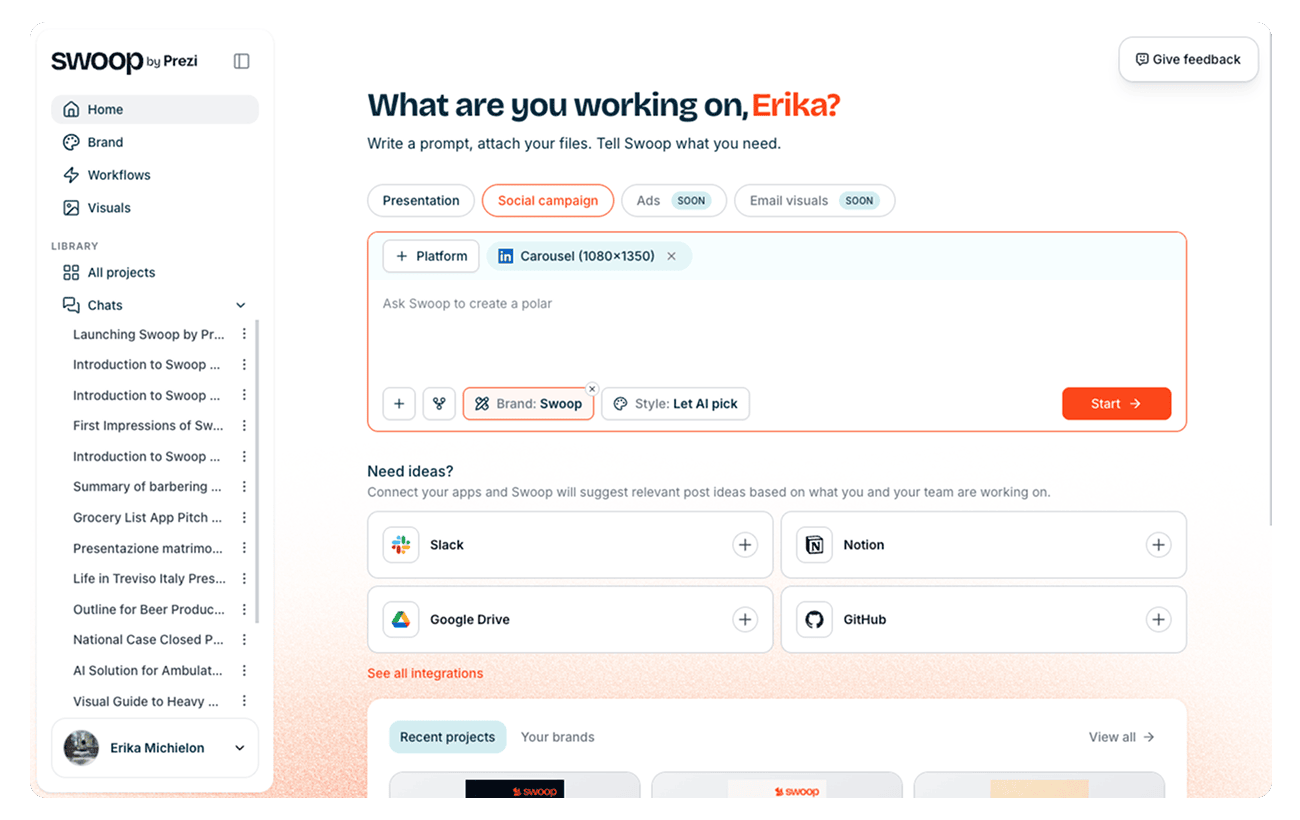
The dashboard matters because it’s the main way users discover that different formats are even available. I hypothesized that users would first pick the format, then the platforms they needed to post on, and would likely want help picking the right aspect ratios. Once someone completed this flow once, the system would remember their choices and apply them as the default for future sessions.
Editor
I reviewed and made small adaptations to the presentation editor for the social media case. I wanted to reuse the pattern from the presentations format rather than reinvent the wheel: a chat interface on the left, a live preview on the right. The preview offered a couple of variant options to pick from, and mimicked the look of the actual social platform, down to the buttons at the bottom, to give users a feel for how it’d look in the end.
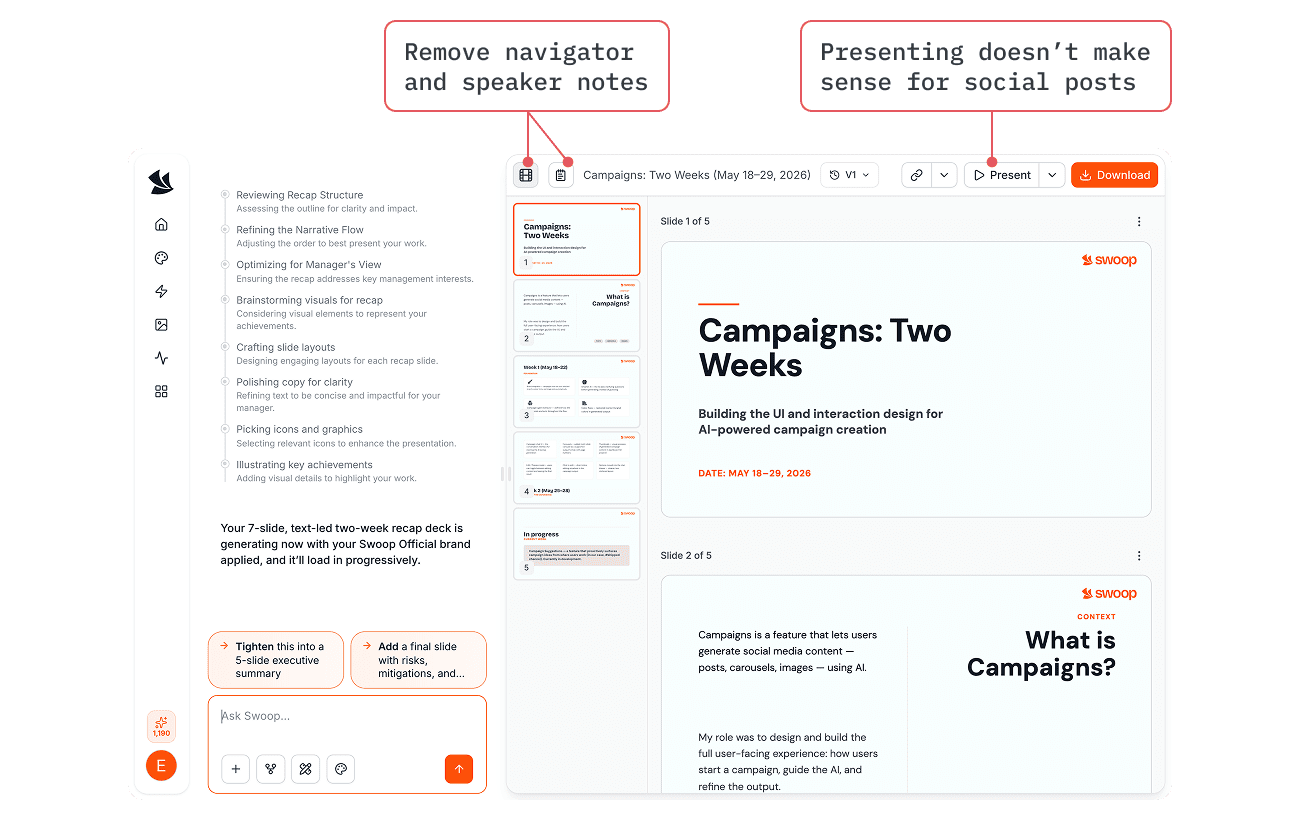
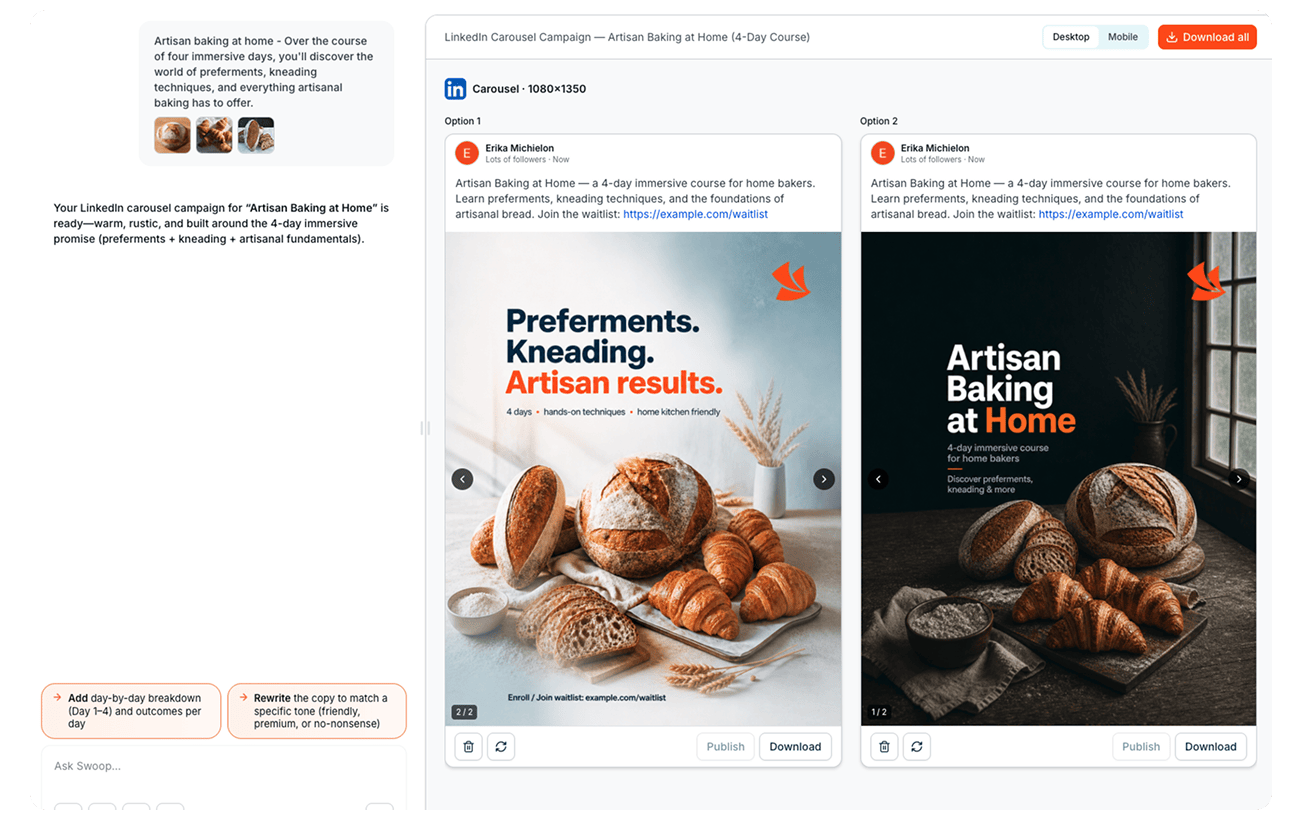
I drafted initial designs while developers began building the foundations in parallel. Rather than fully polishing in Figma, I did a lot of the refinement directly in code, assisted by Claude. We added some basic guidelines and guardrails to the agent, and once the working prototype was good enough, we looked for feedback.
Feedback and iterations
I gathered feedback from the Prezi design team, Swoop team, and with the three devs we sat in an interview with a marketing person from Prezi to understand how professionals usually approach campaign creation. I mapped her usual workflow and dug into the details of what she considers at each step, and had her test the prototype directly. That conversation surfaced something we hadn’t initially considered: the caption mattered as much as the visuals. One of her core needs was strong copy in the company’s tone of voice, with a few alternatives to choose from.
We also refined how the chat flow works, shaping the agent’s behavior to gather content first, then, once there was enough information, propose a couple of alternatives for both the copy and the visuals as separate steps — directly responding to her need for options rather than a single take.
People weren’t sure they could edit directly from the preview, and sometimes missed the buttons below the image entirely. So we simplified and moved the buttons, splitting the view into edit and preview modes, with ability to preview posts as they’d actually appear on mobile versus desktop. It turned out to be useful beyond fixing that confusion: for carousels, edit mode let you see every image and page laid out side by side for a full overview, while preview mode mimicked the real platform experience, moving through pages one at a time with navigation arrows.
Agent behaviour
The agent was the most complex and frustrating part of the feature. We tested different AI models for image generation, and spent a lot of time iterating on the system prompts, as the experience was designed to work even without the UI, in case the agent was used from outside Swoop. For example, at the start of a chat, the agent infers intent directly from the user’s prompt, generating a presentation or a social post based on what’s actually asked, regardless of the UI context (e.g., the UI is set to "presentation," but the prompt asks for "one LinkedIn post").
We ran into plenty of issues guiding the agent on what to do and what not to do: how it should behave in the chat, how to generate good images (with readable text sizes and without black stripes, random icons, or fake UI elements), how to keep content flowing coherently across carousel pages, and many more things than I can remember.
In the End
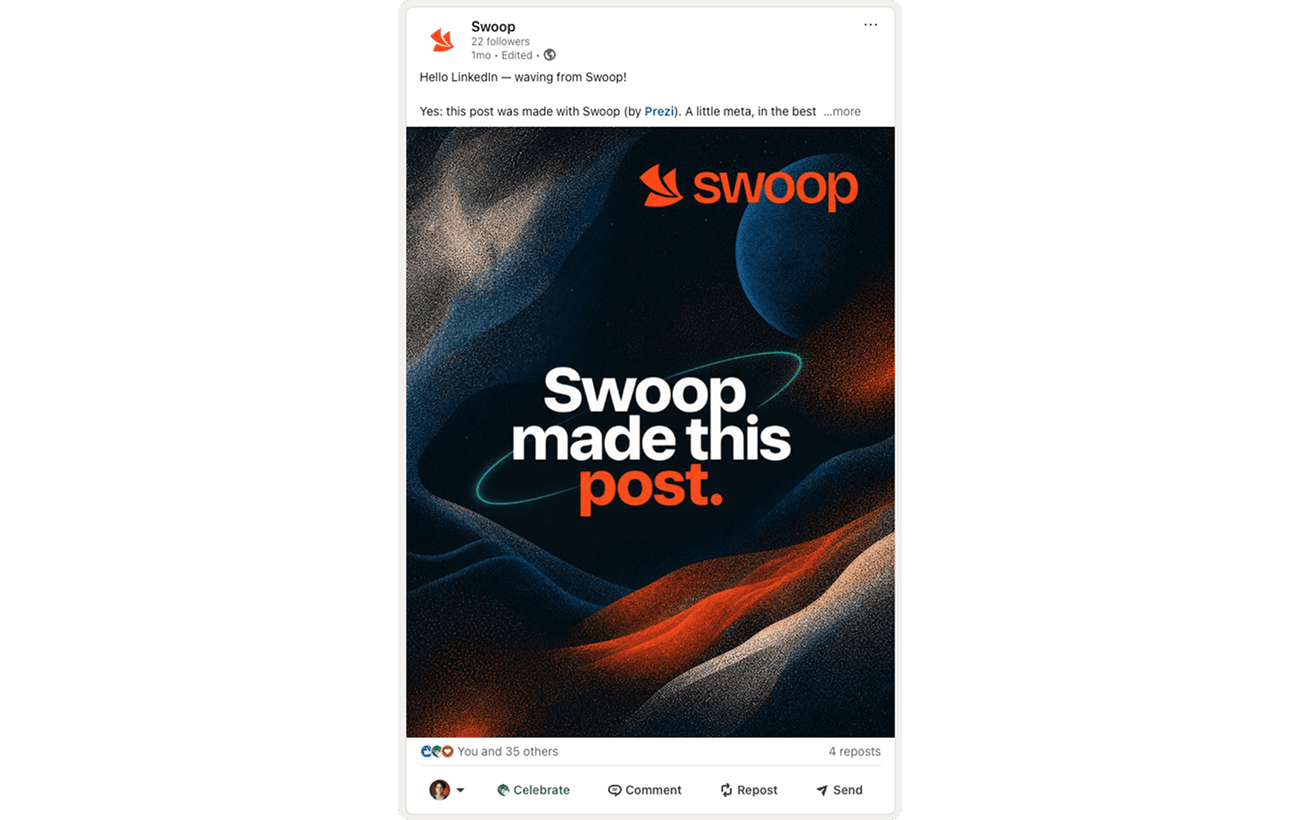
As the feature was coming together and I needed to actually start posting on LinkedIn, I built a feature for Swoop to suggest content on its own, with the help of one developer. Swoop already had integrations with tools like Slack and Notion, so it could pull from them, for example, from the Slack channel where we posted shipped features, and surface three ready-made post ideas in the dashboard. This went right back to the original need: if you’re a small startup without a dedicated marketer, posting quickly and consistently shouldn’t mean starting from a blank page every time. Swoop would suggest what to post based on what your team had just shipped or discussed. A basic version of this made it into the product before it was discontinued in June.
There’s no usage data to share from this one — the product was still fresh when the plug was pulled — but the social media feature shipped, and I personally created and published the first (and last?) glorious LinkedIn post: