Experientia · 2021
Helping sales reps lead with patient cases, not product pitches
- Team
-
- Researcher lead
- Researcher
- UX Designer lead
- UX Designer (me)
- My role
-
- Document analysis
- Wireframing
- Prototyping
- Following up with devs
- A medical equipment client relied on printed material for sales representatives to showcase their cardiology portfolio during meetings with physicians. We designed a digital case book instead: an interactive web app that presents products around a patient's treatment pathway, not a product pitch.
- Impact
- Eased sales representatives' work by giving them a tool tailored to each doctor's needs, making it faster to retrieve the right information in the moment and share the relevant bits — for clearer, more focused conversations with physicians.
Problem
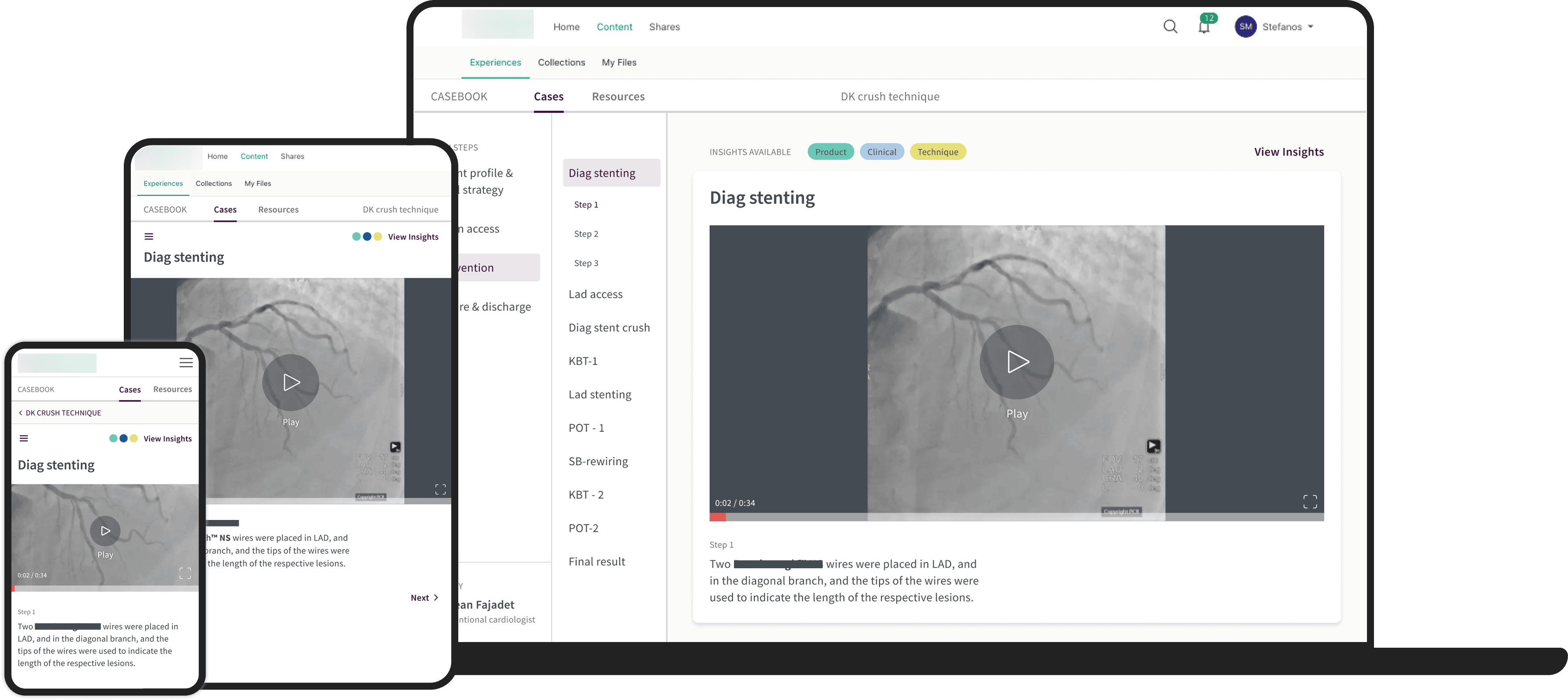
Context
The client, a medical equipment company, identified a business opportunity in delivering a platform for sales representatives to showcase their cardiology portfolio during meetings with physicians.
The digital case book aimed to present products according to a patient pathway, putting the patient's treatment at the centre of the story, rather than the product itself. It was a new way of interacting with the customer: until then, the company had only used printed material, which wasn't built around patient pathways at all.
Goal
Starting from a PDF draft prepared by the client, our goal was to ease the job of sales representatives during physician meetings, by designing a user-friendly, digital and appealing visualization of patient journeys through a procedure — from access, to intervention, to closure.
The purpose was to facilitate meaningful conversations between representatives and doctors, and to let representatives quickly adapt to different customer profiles and circumstances.
Discovery
At the beginning of the project we ran two workshops to better understand the context and define the brief.
Workshop 1: Framing
A session with the marketing team who had prepared the PDF draft, to understand:
- Business expectations
- The as-is experience, with pain points (before, during and after a meeting) and the desired one
- Context of use and typology of users (for sales reps)
- Types of content preferred
Workshop 2: Feedback
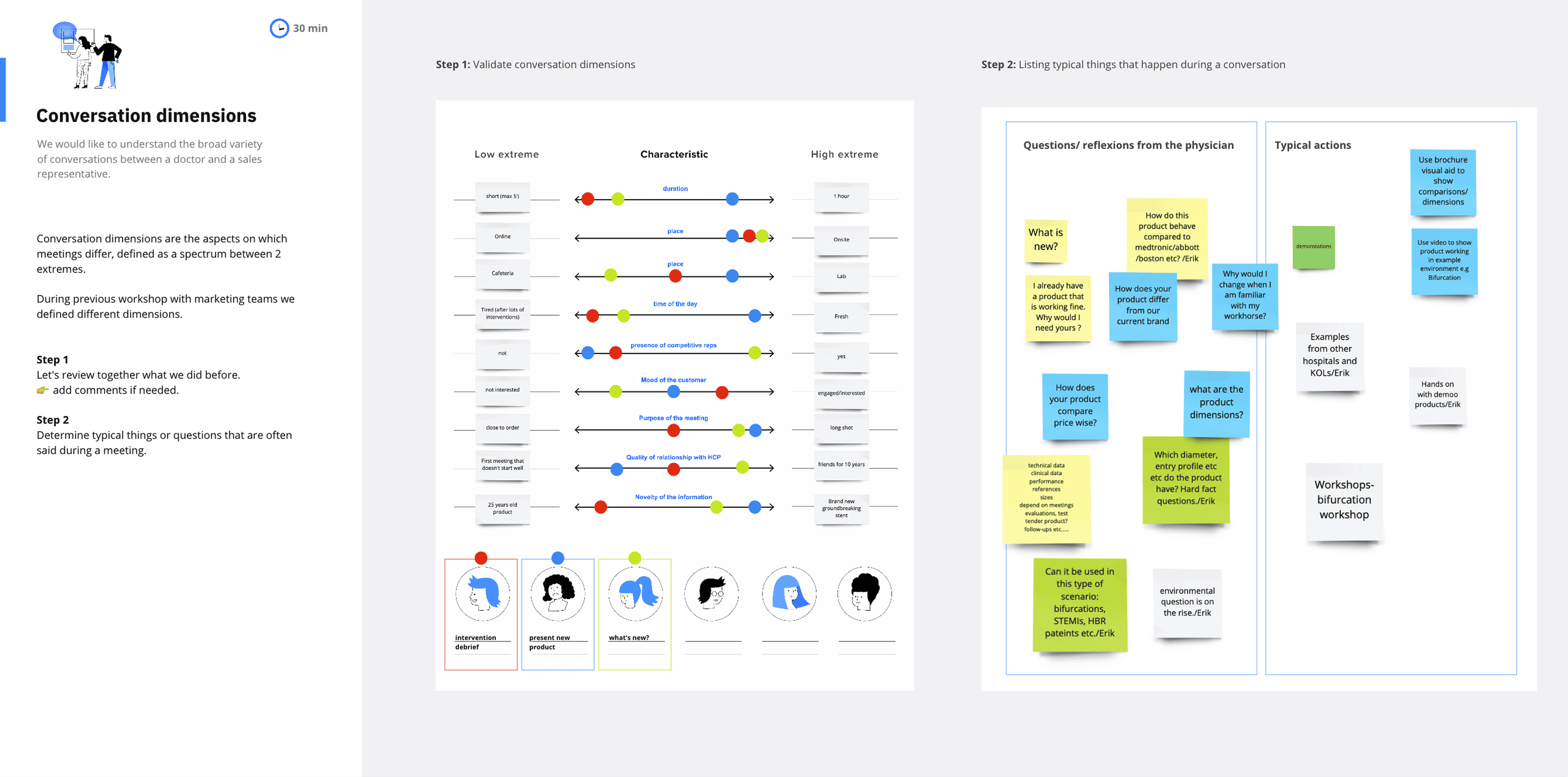
A session with five sales representatives, to understand:
- The variety of conversations occurring between sales reps and doctors (e.g. typical questions physicians ask)
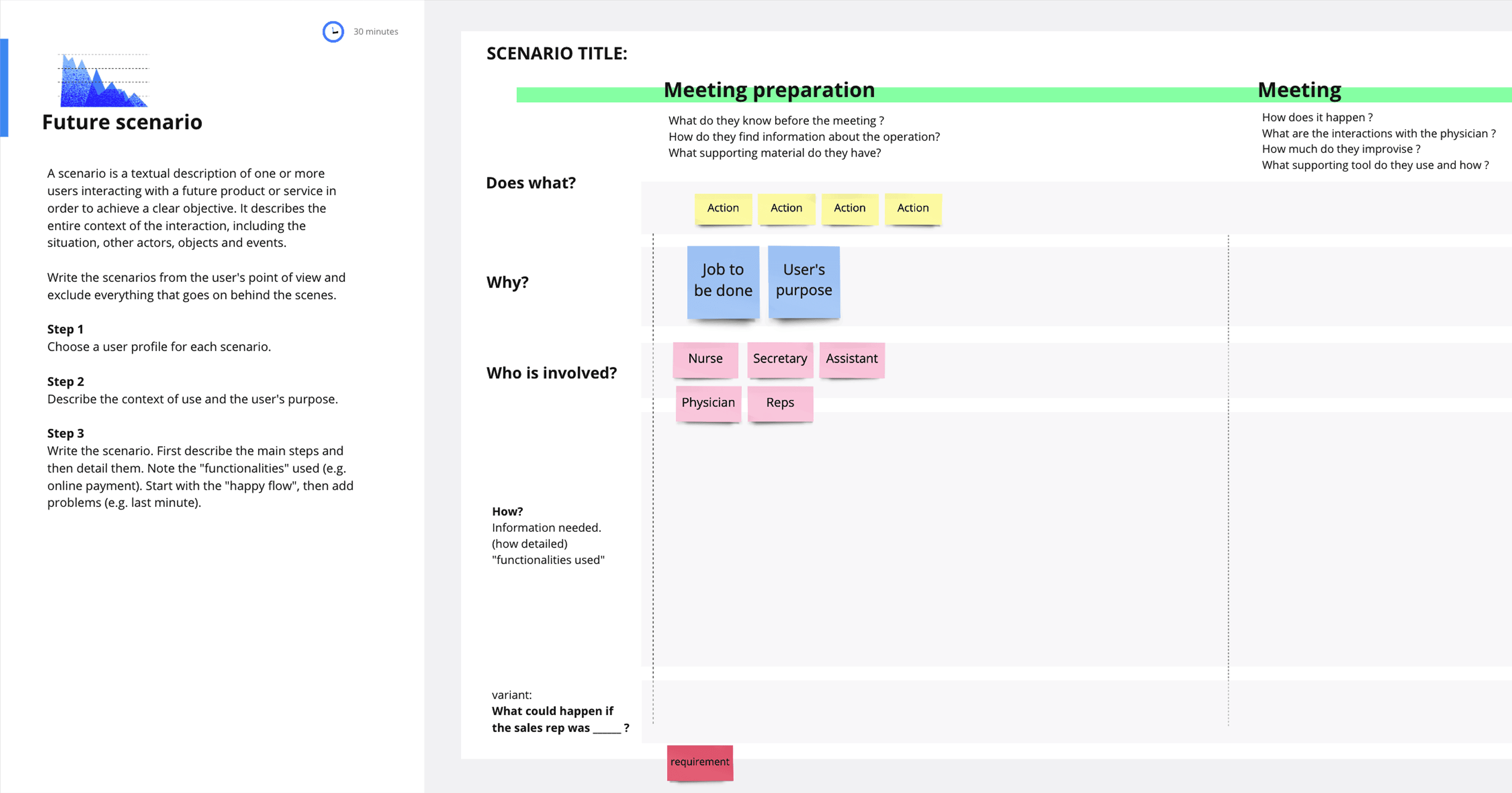
- How the case book could be used before, during and after the meeting, in three different scenarios that had emerged from the first workshop
- Feedback on content
Define
From the workshops we derived a series of requirements to keep in mind while designing the interface:
- Quick to use — in the majority of meetings, physicians have only a few minutes to dedicate to the sales representative.
- Flexible — according to the physician's questions, the representative needs to easily jump from one case or product to another.
- Modular — the representative needs to be able to extract parts of the case book and share them with physicians.
Develop
Following the brand guidelines, we designed two diverging directions and presented them to the business and to the sales representatives, who chose the preferred one.
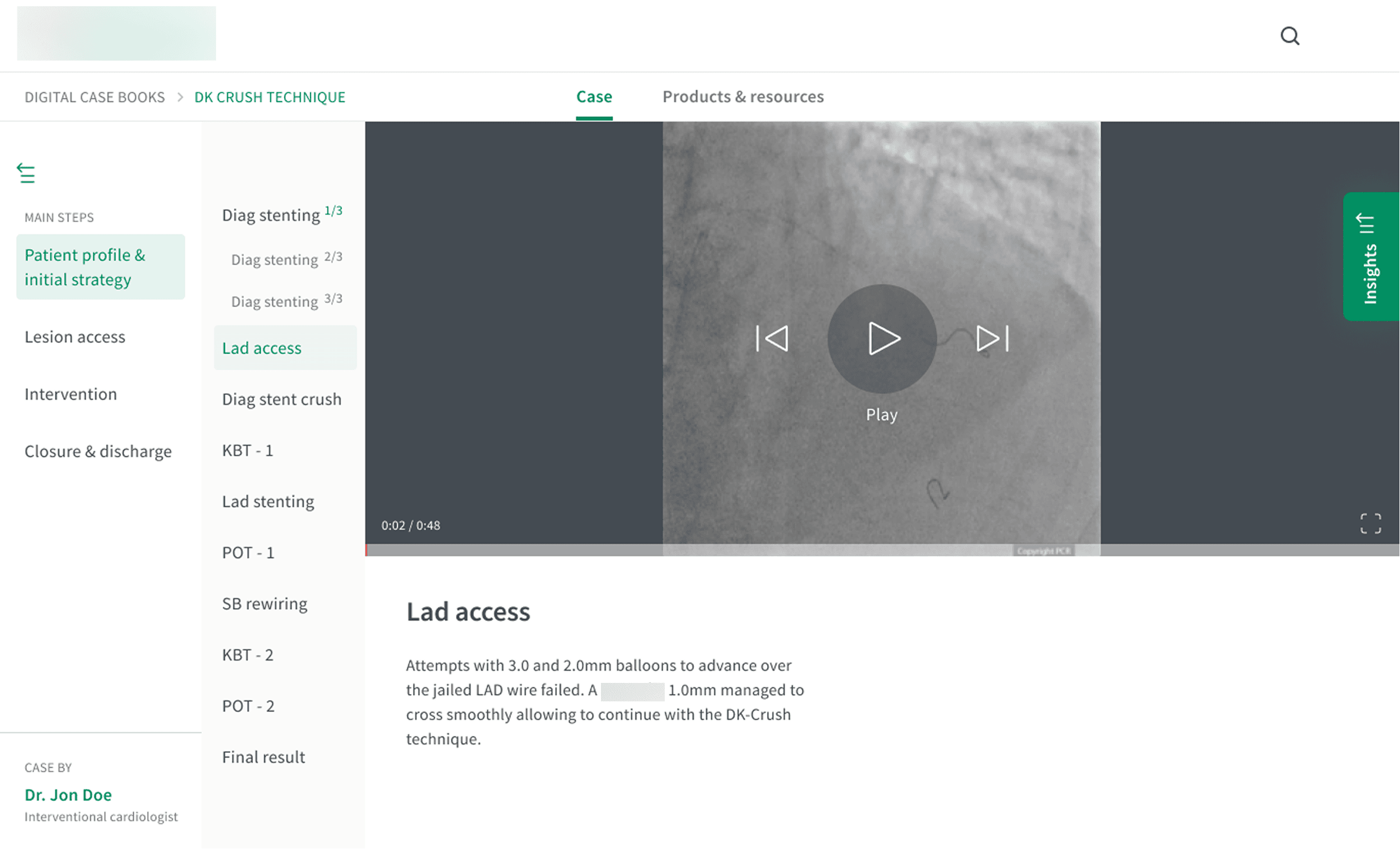
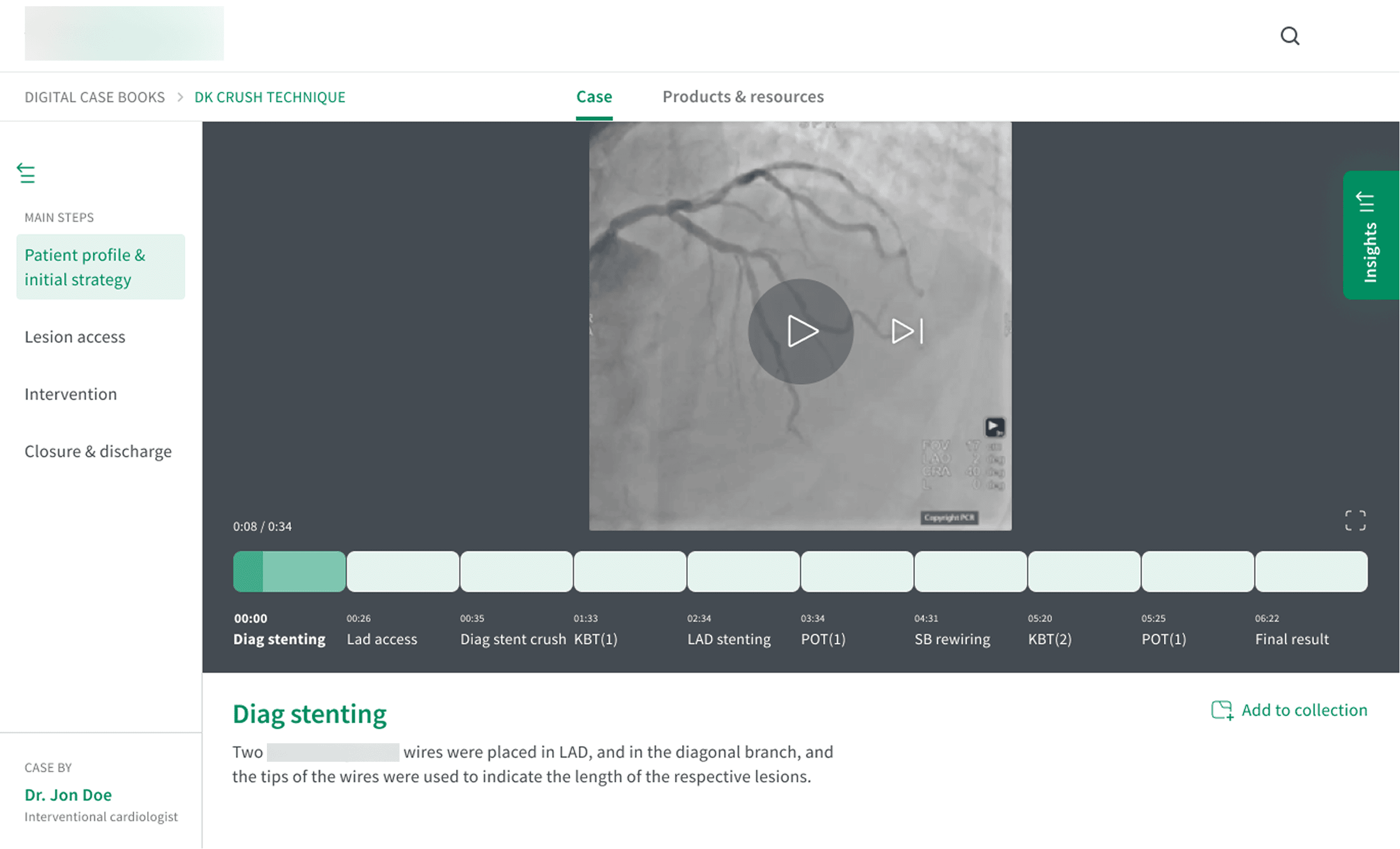
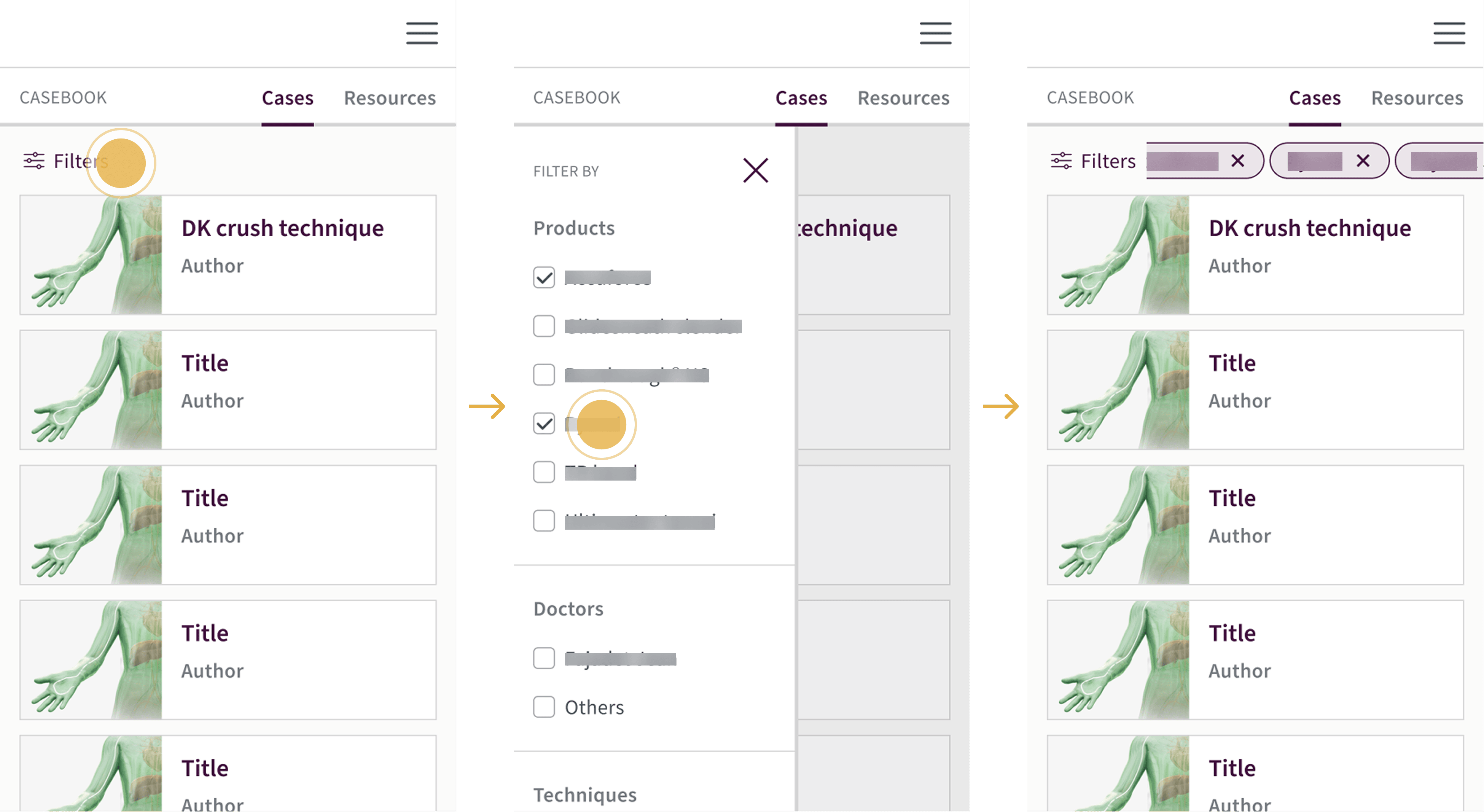
We then designed responsive screens for both mobile and tablet. We didn't talk to developers during the design phase, since they hadn't been identified yet — but the platform was part of a wider ecosystem with a defined design system to design within.
Deliver
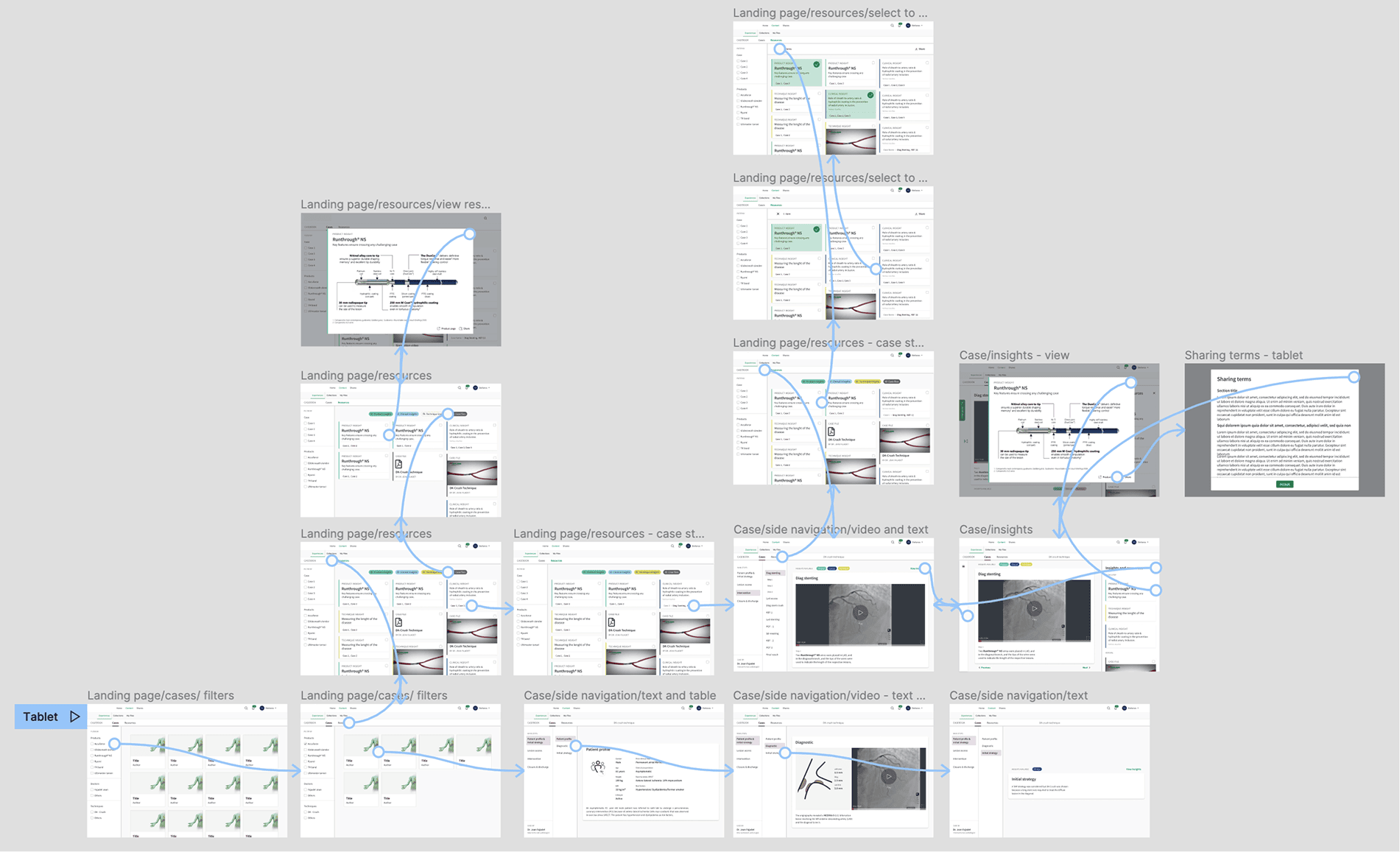
We created a prototype for tablet and one for smartphone. Budget and time constraints meant we didn't get the chance to properly validate them with usability testing, but we did run a peer review with a designer not involved in the project, then presented the prototypes to a sales representative, who received them positively.
As a final handoff, we prepared the specifications and had occasional stand-ups with developers to answer their questions.
Takeaways
Engaging users from the start was fundamental to deeply understand their needs and base the design on solid insights. It turned out to be particularly important to consider the whole experience, not only while using the platform, but also what was happening before and after.